March 2013
Intermediate to advanced
1032 pages
33h 29m
English
Providing an explanation for the contents of a particular cell can be useful both to you and to others accessing your Excel workbooks. A comment enables you to include a brief text notation that describes what the content of a cell means or how you came up with a particular value. It can also be useful for annotating complicated formulas or functions that are placed in a cell.
To add a comment to a cell, click on the cell to select it. You can then navigate to the Review tab of the Ribbon and select the New Comment command. A new Comment box opens, as shown in Figure 12.5.
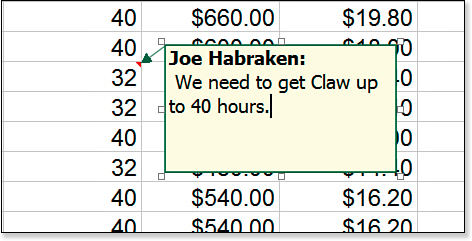
Figure 12.5. A new Comment box.
Type the comment ...