March 2013
Intermediate to advanced
1032 pages
33h 29m
English
When you work on a shared notebook, the notes and other items added to the notebook pages by other authors are tagged with the authors’ initials. Keeping track of who has added what to the pages in a shared notebook is easy. Figure 31.7 shows a notebook page containing the initials of an author sharing the notebook. Note the initials BH just to the right of the Tentative Schedule check boxes.
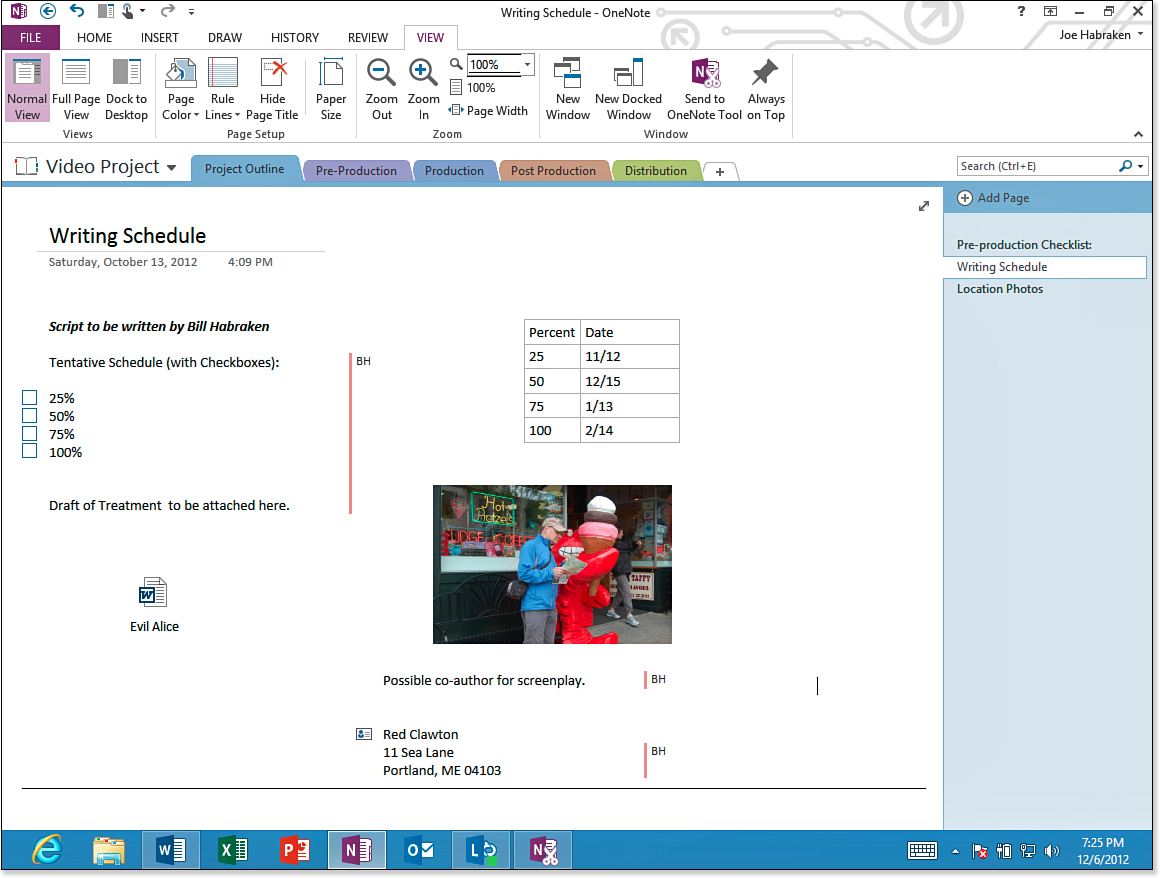
Figure 31.7. Additions and changes made by other authors are shown by default on notebook pages.
You can view the name of the author and the date the change was made. Place the mouse on the author’s initials. You also can toggle ...