Start in either a Right or Perspective viewport and go into the Face
sub-object menu. Go up to the Rectangular Selection Region
iconand hold it down:. Then choose the Fence Selection
Region icon.
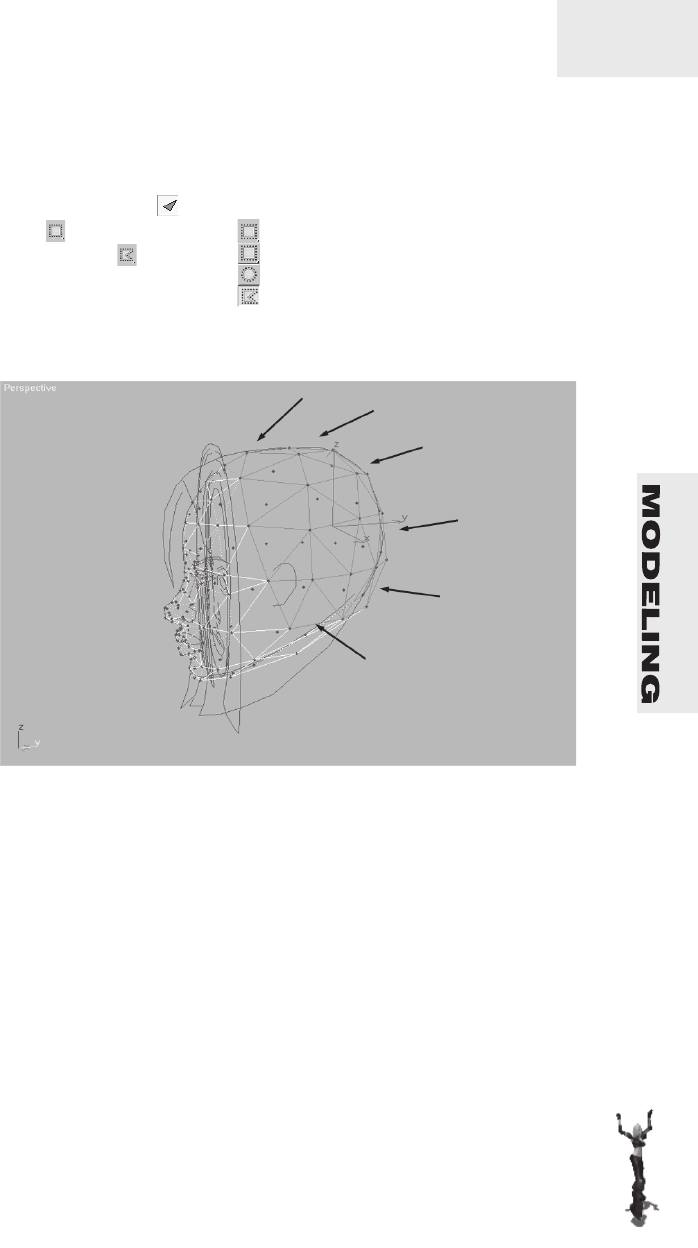
Now select all the faces of the back left side of the head (not the ref
-
erence copy) as illustrated below:
Chapter5/The Hair123
Rotate the view around so you can get a better sense of how much
you’re going to need to extrude.
Over on the Modify panelunder the Edit Geometry sub-menu,
press the Extrude buttonto make it ...
Become an O’Reilly member and get unlimited access to this title plus top books and audiobooks from O’Reilly and nearly 200 top publishers, thousands of courses curated by job role, 150+ live events each month, and much more.