Skip to Content
Modeling a Character in 3DS Max, 2nd Edition
book

Modeling a Character in 3DS Max, 2nd Edition

by Paul Steed
January 2005
Intermediate to advanced
584 pages
16h 53m
English
Jones & Bartlett Learning
Content preview from Modeling a Character in 3DS Max, 2nd Edition
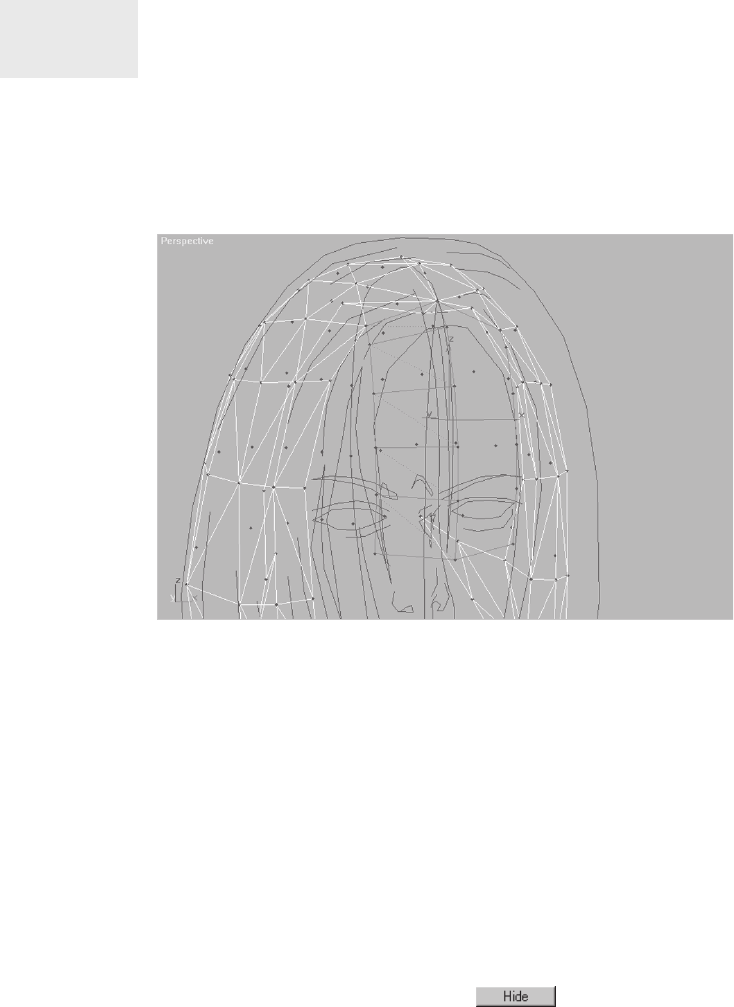
As you create each new segment using Shift and drag, rotate the
new edge before Shift-dragging it again to match the contour of the
guide. Select the new faces of the bangs, rotate the view around,
and look at them from the front.
Uh, oh. Some of the faces can be seen and some can’t. You have a
normals problem. “Normals” just means the side of a one-sided
polygon that can be seen. In other words, a “normal” is a way of
indicating which direction a triangle needs to face in order to be ren-
dered. The other side of a normal is invisible unless a two-sided
material has been applied or another triangle has been built.
Step 9: Flip “Wrong” Facing Normals ...
Become an O’Reilly member and get unlimited access to this title plus top books and audiobooks from O’Reilly and nearly 200 top publishers, thousands of courses curated by job role, 150+ live events each month,
and much more.
Start your free trial

You might also like

3ds Max Modeling for Games, 2nd Edition

3ds Max Modeling for Games, 2nd Edition

Andrew Gahan

Publisher Resources

ISBN: 9781556220883